

Contact our team for professional guidance and solutions.
The best Enterprise Software Solutions Company in Trichy is not necessarily the one offering the most features or the lowest quotation. It should first understand how your business operates, identify where information or processes break down, and then recommend technology that solves those specific problems. A strong enterprise solution can connect departments, automate repetitive workflows, centralise important information, improve reporting and support business growth while keeping employee usability and security in focus.
Business growth often creates a problem that is easy to overlook: the company becomes more complicated faster than its systems can adapt. A sales team may manage customers in one application, accounts may work from another system, operations may depend on spreadsheets, and management may have to wait for manually prepared reports before making decisions. At that point, simply adding another software tool may create more fragmentation rather than solving the underlying problem. Enterprise software takes a different approach by connecting important business processes and information around the way an organisation actually works. For a business evaluating an Enterprise Software Solutions Company in Trichy, the right question is not simply “Which software should we buy?” but “Which parts of our business need better coordination, automation, visibility or control?” This guide explores that decision from a practical perspective, including when custom development makes sense, how to evaluate a technology partner, what local businesses should consider and how to measure whether an enterprise system is actually creating value.
Enterprise software is technology designed to support significant business operations across multiple users, teams, departments or locations.
Depending on the organisation, it may support:
Sales and customer management
Finance and accounting
Procurement
Human resources
Manufacturing
Project management
Operations
Customer support
Reporting
Workflow automation
Document management
The important point is that enterprise software is process-oriented.
For example:
Customer Enquiry → Sales → Order → Inventory → Accounts → Delivery
A connected system can help relevant information move through this process without requiring employees to repeatedly recreate the same information.
It does not necessarily mean every business function must be placed inside one giant application.
The better objective is:
Connect the processes that genuinely need to work together.
No.
Enterprise software should be introduced when business complexity creates a problem that existing tools cannot handle effectively.
A company may be ready to consider a more advanced system when:
Several departments maintain separate versions of the same information.
Employees repeatedly enter identical data.
Management reporting takes too long.
Approvals are difficult to track.
Customer information is scattered.
Inventory information is unreliable.
Employees rely heavily on spreadsheets to compensate for system limitations.
Important tasks have no clear ownership.
The business has expanded across multiple locations.
Existing applications require too many manual workarounds.
The strongest reason to invest is not company size.
It is operational complexity.
One of the most important decisions in enterprise technology is identifying the actual problem.
Consider this example.
That statement is too broad.
After analysing the workflow, the actual issue might be:
Sales cannot check current inventory before confirming an order.
Now the requirement becomes clearer:
Sales Order → Inventory Availability → Confirmation
Another business might say:
“Management wants a new dashboard.”
But the real problem could be that five departments maintain inconsistent data.
In that case, a dashboard alone will not solve the problem.
The underlying requirement is:
Data Standardisation → System Integration → Reporting
This is why a good software partner should investigate the workflow before recommending the technology.
Consider a growing distribution business.
Customer Enquiry → Sales Spreadsheet → Phone Call to Warehouse → Manual Stock Check → Accounts Email → Delivery Update
Possible problems include:
Repeated communication
Delayed stock confirmation
Duplicate data entry
Limited order visibility
Difficult reporting
Customer Enquiry → Sales Order → Inventory Check → Approval → Invoice → Fulfilment → Delivery Update
Now each stage has a defined position.
The improvement comes from better process coordination, not merely from replacing a spreadsheet.
A customer order may involve several teams:
Sales → Operations → Accounts → Warehouse → Delivery → Support
If each team sees only its own part, employees may spend considerable time asking for updates.
A suitable enterprise system can allow authorised employees to see relevant information and status.
This can make questions such as these easier to answer:
Has the order been approved?
Is the stock available?
Has payment been processed?
Who is responsible for the next step?
Has the order been dispatched?
Better visibility can reduce unnecessary internal coordination.
Repeated data entry is one of the clearest areas where connected systems can help.
Imagine entering the same order into:
Sales Sheet → Inventory System → Billing System → Delivery Record
Apart from consuming employee time, each additional entry creates another opportunity for an error.
A connected workflow may instead allow:
Order Created → Relevant Systems Updated → Next Task Assigned
This does not mean every system must share every piece of information.
Good integration requires clear rules about:
What data is shared
Which system owns the data
When information is updated
Who can change it
That distinction is particularly important in larger business environments.
Growing businesses often have approval-heavy processes.
Examples include:
Purchase requests
Expenses
Discounts
Vendor approvals
Leave
Customer credit
Procurement
Internal documents
A traditional process may look like:
Request → Email → Manager → Reminder → Approval → Manual Update
A digital workflow can provide:
Request → Validation → Assigned Approver → Decision → Status Update → Notification
The software can manage the movement of the request while the responsible person still makes the decision.
This is a good example of where automation supports human judgement rather than attempting to replace it.
Management does not need more data simply for the sake of having more data.
They need answers.
An effective enterprise system can help answer questions such as:
Which orders are pending?
Which payments are outstanding?
Which branch is performing better?
What inventory requires attention?
Which approvals are delayed?
How much work is currently assigned to a team?
Which customers require follow-up?
The value of reporting therefore comes from decision usefulness, not dashboard quantity.
A simple dashboard that answers five important questions can be more valuable than a complicated dashboard containing 100 unnecessary metrics.
Enterprise software can also affect customers indirectly.
Consider:
Customer → Sales → Order → Operations → Delivery → Support
If the information is fragmented, a customer may have to repeat their order details every time they speak to another employee.
With better-connected systems, authorised employees may be able to see:
Previous purchases
Current orders
Account information
Service requests
Previous interactions
Payment status
This helps employees provide a more informed response.
The technology does not create customer trust by itself.
It gives employees better information with which to deliver a consistent experience.
Inventory-related businesses can benefit from connected information across:
Purchase → Goods Received → Stock → Sales → Dispatch → Reorder
This can provide better visibility into:
Available stock
Incoming stock
Product movement
Pending orders
Reorder requirements
Manufacturing businesses may require an additional process:
Raw Material → Production → Quality → Finished Goods → Dispatch
The important point is that the software should reflect the actual operational model.
A system designed for simple retail inventory may not be appropriate for a manufacturing operation with production stages.
Expansion across locations introduces another layer of complexity.
Each branch may need to manage its own:
Customers
Orders
Employees
Inventory
Sales
Operational activities
Management may simultaneously need an overall view.
An enterprise system can potentially support:
Branch-Level Operations + Central Management Visibility
Access can also be controlled according to user roles.
For example, a branch employee may see only their location while a regional manager may have access to multiple branches.
Software should not become the reason a business cannot expand.
A company may progress from:
1 Location → 10 Employees → Basic Operations
to:
5 Locations → 100 Employees → More Customers → More Transactions → More Integrations
The system should be designed with realistic future requirements in mind.
However, there is an important distinction:
Scalable does not mean unnecessarily complicated.
Building every future feature today can increase cost, maintenance and training requirements.
A better strategy is to establish a sound foundation and expand the system when the business actually needs additional capabilities.
Enterprise systems can support different workflows.
The system does not need to contain every workflow.
It should contain the workflows that create meaningful operational value.
Custom Enterprise Software Development can be useful when existing platforms cannot reasonably support a critical requirement.
The workflow is highly specialised.
Your organisation operates differently from common industry processes.
Important business rules are unique.
Pricing, approvals, calculations or operational decisions require specific logic.
Existing systems do not integrate effectively.
The business needs specialised connections between applications.
Employees rely on workarounds.
Spreadsheets and manual processes are being used to compensate for limitations in existing software.
A dedicated internal application is required.
A specific operational function needs its own workflow and interface.
But custom development also creates responsibilities for:
Security
Maintenance
Testing
Infrastructure
Updates
Documentation
Future development
Custom is therefore not automatically better.
It is better when the business requirement justifies it.
There are three practical approaches.
Suitable when the business has relatively standard requirements.
Advantages:
Faster implementation
Established functionality
More predictable initial planning
Suitable when requirements are highly specialised.
Advantages:
Greater control
Business-specific workflows
Custom integrations
Often overlooked, but highly practical.
For example:
Existing Accounting Software + Custom Operations System + CRM Integration
The business does not have to replace every existing application.
The best architecture may be a combination of systems that work together.
When evaluating an Enterprise Software Solutions Company in Trichy, don't start with the quotation.
Start with questions.
A good provider should ask how the business currently operates before proposing features.
The provider should distinguish between a technology problem and a process problem.
Ask how existing CRM, accounting, inventory, ERP or other applications would connect.
A technically strong application can still fail if its users find it confusing.
Ask about permissions, authentication, data access and backups.
Clarify maintenance, support, updates and future improvements.
Understand ownership of source code, data, hosting, domains and accounts.
The best partner should be willing to recommend a smaller or simpler solution when that is genuinely sufficient.
Businesses searching for Enterprise Software Development Services in Trichy may require support across the full software lifecycle.
This can include:
Business requirement analysis
Workflow mapping
Application development
Database architecture
API development
System integration
Dashboard development
Access management
Testing
Deployment
Maintenance
Technical support
However, service breadth should not be confused with solution quality.
The important question is:
Can these services be applied to solve the actual business problem?
A business can save time by preparing a short requirements document.
Include:
How does the workflow operate today?
Where do delays, errors or repetitive tasks occur?
Who will use the system?
Which teams need access?
What information needs to be stored?
Who should be able to view, edit or approve information?
Which applications are already being used?
Which systems need to communicate?
What does management need to know?
What must the first version accomplish?
This gives a development team a far stronger foundation than simply saying:
“We need an enterprise application.”
Consider a manufacturing company operating around Trichy.
Its workflow may involve:
Purchase → Raw Material → Production → Quality → Finished Goods → Dispatch
If these stages are managed separately, management may struggle to understand:
Current production status
Material availability
Pending quality checks
Finished goods
Dispatch schedules
A connected enterprise workflow could provide better visibility across these stages.
The value is not the software itself.
The value is being able to answer operational questions without manually collecting information from every department.
A property business may follow:
Lead → Property Selection → Site Visit → Negotiation → Booking → Documentation
Problems can occur when:
Leads are stored separately.
Site visits are not tracked consistently.
Follow-ups depend on employee memory.
Documentation status is difficult to monitor.
A suitable application could structure these stages and give authorised employees visibility into the current status of each lead.
Again, the software is useful because it reflects the workflow.
An educational organisation may need:
Enquiry → Admission → Student Record → Fees → Attendance → Progress → Completion
Different teams may interact with the same student at different stages.
A connected system can reduce repeated data collection and give authorised staff access to relevant information.
This can be especially valuable when student volume increases and manual records become difficult to manage.
Many enterprise projects are not about building a completely isolated application.
They are about connecting existing systems.
For example:
Website → CRM → Accounting → Inventory → Shipping
Before integrating systems, define:
Which system owns the data?
What information must be transferred?
When should it be transferred?
What happens if the integration fails?
How are duplicate records handled?
Who resolves technical errors?
This prevents a common mistake: building an integration without deciding how the connected systems should behave.
Employees may use an enterprise application hundreds of times each month.
If common tasks are difficult, adoption can suffer.
Good enterprise UX should make it easy to:
Find information
Create records
Update status
Submit requests
Approve tasks
Track responsibilities
Generate reports
Correct mistakes
A useful test is simple:
Can an employee complete a common task without needing to think about how the software works?
If yes, the interface is probably supporting the workflow effectively.
Enterprise systems may contain:
Customer information
Financial data
Employee records
Internal documents
Operational reports
Business transactions
Security considerations can include:
Authentication
Role-based access
Data protection
Access logging
Backups
Software updates
Account management
Not every employee needs access to every piece of information.
A properly planned permission structure can help limit access according to job responsibilities.
Businesses in Trichy evaluating enterprise technology can consider Freshora Digital Technologies when exploring software and digital solutions involving business applications, websites and connected systems. Before approaching a provider, businesses should document their current workflow, key operational problems, users, existing software, integration requirements and expected outcomes so that the proposed solution can be evaluated against genuine business needs.
Understand the business, users and operational problems.
Separate essential requirements from optional ideas.
Map the improved process before development begins.
Plan the application, database, integrations and security.
Design around actual employee tasks.
Build the prioritised functionality.
Connect required systems.
Test real workflows, permissions and error conditions.
Allow employees to test realistic scenarios.
Launch in a controlled environment.
Help users understand the new workflow.
Use feedback and business data to refine the system.
The launch itself is not the measure of success.
Measure business outcomes.
Has the time required for important workflows changed?
Have repetitive administrative tasks decreased?
Are common data-entry or process errors reducing?
Are requests moving through the organisation more efficiently?
Can management obtain important information faster?
Are employees actually using the system?
Are customers receiving more consistent service?
Can managers understand the status of important activities more easily?
The best metrics are those directly connected to the original business problem.
Technology should follow the requirement.
A focused first version is often easier to test and improve.
Daily users should participate in design and testing.
Human judgement remains essential for many decisions.
Every important data type needs clear responsibility.
System connections require proper planning.
Security should be considered throughout development.
Enterprise applications require maintenance and continuous improvement.
Before selecting an Enterprise Application Development Company, ask:
How will you analyse our current workflow?
What business information do you need before preparing a proposal?
Which features should be included in the first version?
Which existing systems should be integrated?
How will user permissions be managed?
How will data migration be handled?
What testing process will be followed?
Who owns the source code and business data?
What happens after deployment?
What support and maintenance options are available?
How will security and backups be handled?
How will we measure whether the system has delivered business value?
A strong provider should be able to answer these questions clearly.
Enterprise software should solve a specific operational need rather than add technology for its own sake.
Business workflow should be analysed before software is selected or developed.
Connected systems can improve coordination between departments.
Automation can reduce repetitive administrative work.
Centralised information can improve reporting and operational visibility.
Custom Enterprise Software Development is useful when specialised requirements justify it.
Ready-made software may be the better choice for standard workflows.
A hybrid architecture can combine existing platforms with custom applications.
Enterprise applications should be easy for employees to use.
Integrations require clear rules about data ownership and failure handling.
Security and access control should be considered during architecture and development.
Trichy businesses should evaluate development partners based on business understanding as well as technical expertise.
A successful enterprise system should produce measurable improvements in time, accuracy, visibility or customer experience.
Software should support realistic growth without creating unnecessary complexity.
The strongest implementations combine people, processes, technology and continuous improvement.
Before choosing an enterprise software provider, ask yourself:
Business Problem
Do we clearly know what we are trying to improve?
Workflow
Have we documented the current process?
Users
Have the actual employees who will use the system been involved?
Data
Do we know what information needs to be stored and shared?
Integration
Have we identified the systems that need to communicate?
Security
Have access and data-protection requirements been considered?
Budget
Do we understand development as well as ongoing maintenance costs?
Scalability
Can the solution support realistic future requirements?
Ownership
Do we know who controls the software, data and technical assets?
Success Metrics
Can we measure whether the software solved the original problem?
If several of these questions remain unanswered, the business may not yet be ready to select a development solution.
The right enterprise software is not the application with the longest feature list; it is the system that makes important business processes easier to manage, easier to measure and easier to improve. For organisations searching for an Enterprise Software Solutions Company in Trichy, the most reliable approach is to start with operational problems, map the current workflow, identify where information gets delayed or duplicated, determine which processes genuinely need automation and then compare technology options against those requirements. Some businesses will benefit from established platforms, others from custom development, and many may achieve the best result through a combination of existing systems and specialised applications. Whatever approach is chosen, successful enterprise software requires more than development expertise. It needs thoughtful workflow design, usable interfaces, appropriate integrations, strong access controls, realistic scalability and dependable post-launch support. When those elements are aligned with measurable business objectives, enterprise technology can become a practical foundation for better coordination, stronger operational visibility, reduced manual work and sustainable growth.



Introduction Not every Dubai business needs custom software. A ready-made CRM, accounting system, E... Read More

Introduction Business software has become part of almost every day-to-day operation. A single platf... Read More
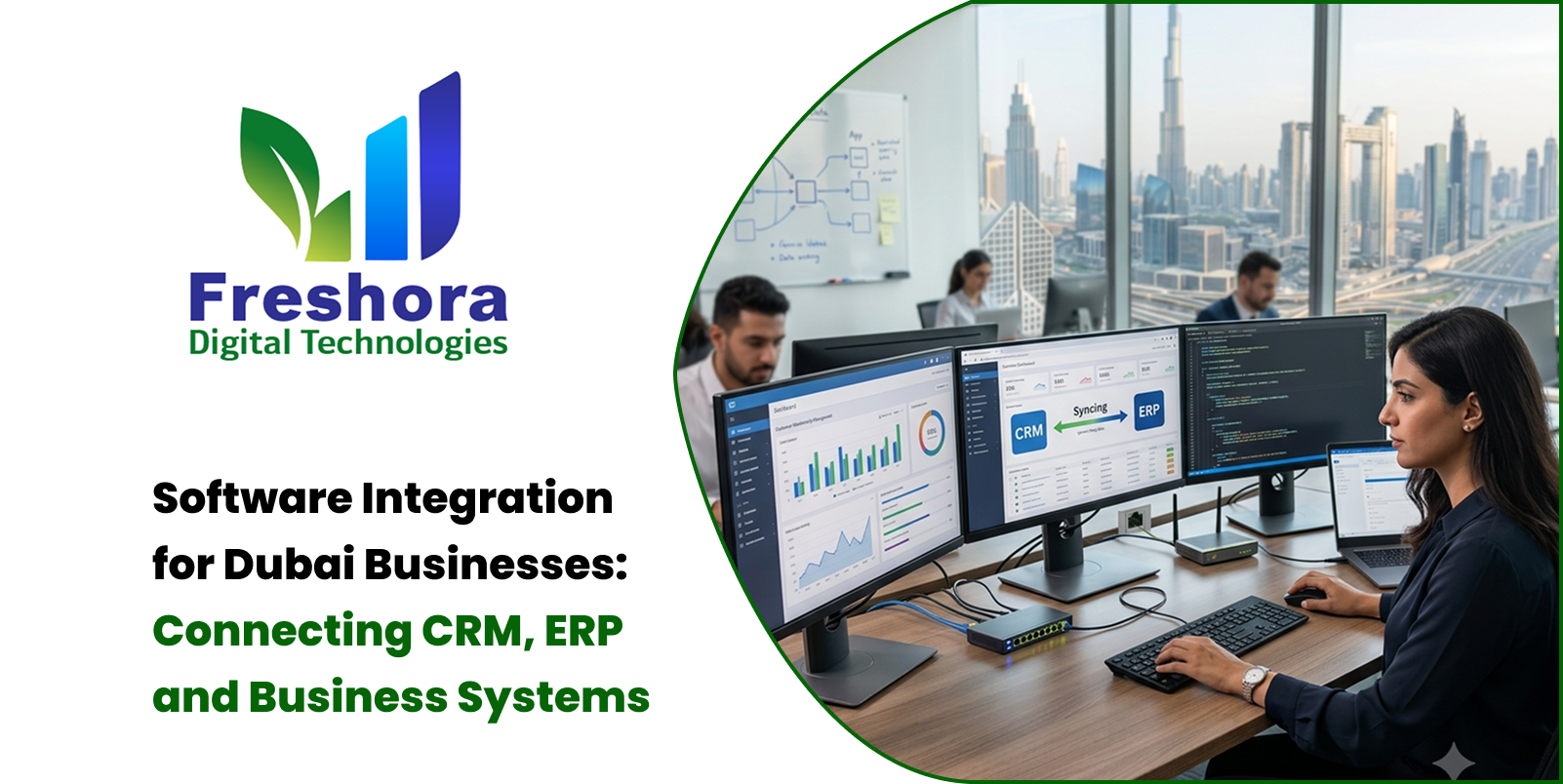
A growing business rarely operates from a single software system. A website may capture enquiries, a... Read More
Our expert will call you shortly to understand your needs and help grow your business.
Get exclusive digital marketing tips, SEO insights, web & app updates, and job opportunities delivered straight to your inbox.
Join our WhatsApp channel for instant digital marketing tips, SEO insights, web & app updates, and latest job opportunities.
Join NowFreshora Digital Technologies proudly serves businesses across Tiruchirappalli (Trichy), including Cantonment, Puthur, Thillai Nagar, Palakarai, Subramaniyapuram, Mela Chinthamani, Woraiyur, KK Nagar, Karumandapam, Crawford, Edamalaipatti Pudur (EMP), Kattur, Airport Area, Ariyamangalam, Panjappur, Thuvakudi, Tiruverumbur, BHEL Township, Srirangam, Thiruvanaikaval, Samayapuram, No.1 Tollgate, Central Bus Stand Area, and Chathiram Bus Stand Area.
We also serve clients across Tamil Nadu, India, and globally in Singapore, the UAE, Saudi Arabia, Canada, Australia, the United Kingdom, and the United States, delivering innovative Website Development, Mobile App Development, Software Development, SEO, Google Business Profile Management, and Digital Marketing solutions that help businesses grow and succeed in the digital world.

